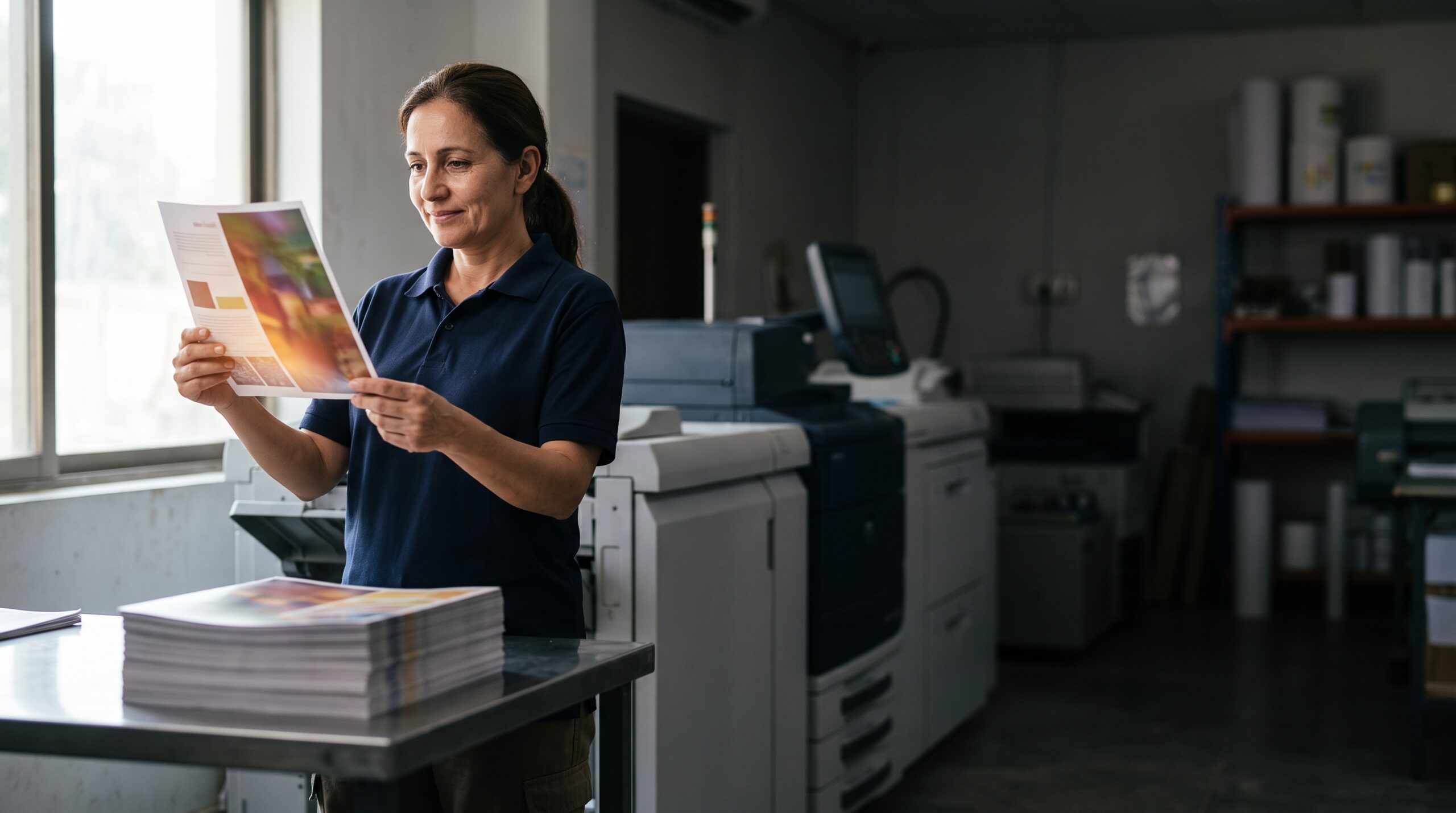
Choosing between offset and digital printing for your catalog in Firestone Park comes down to one main question: how many do you need and how fast do you need them? Digital printing wins for short runs, quick turnarounds, and variable data. Offset printing wins for long runs, precise color matching, and lower per-unit costs at scale. This guide breaks down the real costs, timelines, and quality differences so you can pick the right method for your next California catalog project.
Why Catalog Printing Still Matters in Firestone Park
Firestone Park businesses often assume that digital catalogs have replaced print entirely. That is not what the data shows. Print catalogs remain one of the most effective tools for driving sales, especially for businesses selling physical products. A well-produced catalog sits on a coffee table or desk for weeks. An email gets deleted in seconds.
For local businesses in Firestone Park, a printed catalog serves a dual purpose. It builds brand credibility and it gives customers something tangible to browse. Whether you run a specialty food shop, an auto parts supplier, or a home goods retailer, a catalog puts your full product line in front of customers without requiring them to visit your website.
The real challenge is not whether to print a catalog. It is deciding which printing method gives you the best quality for your budget. That decision starts with understanding how offset and digital printing actually differ.
The Core Differences Between Offset and Digital Printing
Offset printing uses metal plates to transfer an inked image onto rubber blankets, which then roll the image onto paper. It is a mechanical process that produces exceptionally sharp, consistent results. Digital printing works more like a large office printer. It applies toner or liquid ink directly onto the paper from a digital file, with no plates involved.
That distinction drives every other difference between the two methods. Offset requires setup time and plate creation, but once running, it is incredibly fast and cost-efficient. Digital has no setup, so the first page costs the same as the thousandth page.
Here is a quick comparison of the practical differences:
| Factor | Offset Printing | Digital Printing |
|---|---|---|
| Setup time | 1–3 days for plates and color calibration | None; ready to print immediately |
| Per-unit cost | Drops significantly as quantity increases | Stays flat regardless of quantity |
| Best quantity range | 1,000+ copies | 1–1,000 copies |
| Color accuracy | Excellent, with custom Pantone matching | Good, but limited to CMYK simulation |
| Paper options | Wide range, including textured and heavy stocks | More limited; some stocks not compatible |
| Variable data | Requires extra steps, not practical | Easy; personalize each copy |
| Turnaround | 5–10 business days typical | 1–3 business days typical |
For most Firestone Park businesses, the quantity you need will point you toward one method over the other. But quantity is not the only factor worth considering.
When Digital Printing Is the Right Choice for Your Catalog
Digital printing is the default choice for short-run catalogs. If you need fewer than 500 copies, digital is almost always the smarter financial decision. The lack of setup costs means you are not paying for plates and calibration time that you would never recoup at low volumes.
Digital also makes sense when you need catalogs fast. If you have a trade show in two weeks or a seasonal promotion that just got the green light, digital printing can have finished catalogs in your hands within a few days. That speed is a genuine competitive advantage for Firestone Park businesses that operate on tight timelines.
Variable Data Printing for Personalized Catalogs
One of the strongest arguments for digital printing is variable data printing (VDP). This allows you to change text, images, or offers on each individual catalog without slowing down the press. A real estate agent in Firestone Park could send 200 catalogs, each featuring properties in the recipient’s specific neighborhood. A car dealership could print a catalog where the cover shows the exact model the customer was browsing online.
VDP is simply not practical with offset printing. The plate-based process makes it impossible to change elements from copy to copy without stopping the press. If personalization is part of your marketing strategy, digital is the only realistic option.
Digital Print Quality Has Improved Dramatically
Older digital presses had a reputation for flat colors and a slightly plasticky finish. That reputation is outdated. Modern digital presses produce results that are difficult to distinguish from offset, especially on coated papers. For catalogs with lots of product photography, today’s digital equipment handles gradients and skin tones well.
The main quality limitation of digital remains color matching. If your brand uses a specific Pantone color, digital printing will approximate it using CMYK inks rather than matching it exactly. For most catalog applications, this is acceptable. For brand-critical color work, offset is still the safer choice.
When Offset Printing Makes More Sense
Offset printing becomes the right choice once your catalog run crosses roughly 1,000 copies. At that volume, the per-unit cost of offset drops below digital, and the savings become more pronounced as quantities grow. A 5,000-copy run might cost half as much per catalog with offset compared to digital.
Offset also offers superior color accuracy and consistency. If your catalog features products that need precise color representation, such as apparel, paint, or food, offset’s ability to match Pantone colors exactly is a major advantage. The consistency across the entire run is also better, meaning page 47 will look identical whether it was printed first or last.
Paper Selection and Finishing Options
Offset printing gives you access to a wider range of paper stocks. You can choose heavier cover weights, textured finishes, and specialty papers that simply are not compatible with digital presses. For a premium catalog that needs to feel substantial in the hand, offset is the way to go.
Finishing options also expand with offset. Techniques like foil stamping, embossing, and spot UV coating are more readily available and more cost-effective when applied to offset-printed sheets. These touches elevate a catalog from a simple product list to a brand experience.
Long-Run Economics
The economics of offset printing improve as your quantity increases. The fixed setup costs get spread across more units, so the per-catalog price keeps dropping. At 10,000 copies, the per-unit cost is dramatically lower than digital. If you know you will use the catalogs over the next year, the upfront investment in a larger run pays off.
One caution: do not over-order just because the per-unit price is attractive. Catalogs with outdated products or pricing are worse than no catalog at all. Order what you can realistically distribute within 6–12 months.
Cost Breakdown: What You Will Actually Pay
Pricing for catalog printing varies based on page count, paper quality, size, and quantity. Here are realistic ballpark figures for a standard 8.5 x 11 inch catalog with 24 pages on mid-grade paper:
- Digital, 250 copies: $600–$900. Per-unit cost is high, but total investment is low.
- Digital, 500 copies: $800–$1,200. Still cost-effective for short runs.
- Offset, 1,000 copies: $1,200–$1,800. Setup costs are absorbed across the run.
- Offset, 5,000 copies: $3,500–$5,500. Per-unit cost drops significantly.
- Offset, 10,000 copies: $6,000–$9,000. Best per-unit pricing, but requires storage space.
These figures are estimates. Your actual quote will depend on specific requirements. A full-service printing company can provide accurate pricing once you share your specifications.
Do not forget to factor in design costs if you do not have print-ready files. Professional catalog design for a 24-page piece typically runs $1,500–$5,000 depending on complexity and whether you need photography.
Turnaround Times: Planning Your Production Schedule
Timing matters for catalog projects. If you are planning a holiday catalog, a spring product launch, or a seasonal sale, you need to know how long each printing method takes.
Digital printing offers the fastest turnaround. Most digital catalog orders can be produced in 2–4 business days after you approve a proof. Rush orders can sometimes be completed in 24–48 hours, though you will pay a premium for that speed.
Offset printing requires more lead time. The plate-making process, press setup, and color calibration typically add 3–5 days before the first sheet rolls. A typical offset catalog order takes 7–14 business days from proof approval to delivery. Complex jobs with extensive finishing can take longer.
For Firestone Park businesses, the practical advice is to start your catalog project at least 3 weeks before you need the finished pieces. That timeline gives you room for proofing, revisions, and any unexpected delays.
Environmental Considerations for California Catalogs
California businesses often face questions about the environmental impact of print. Both offset and digital printing have environmental footprints, but they differ in meaningful ways.
Offset printing uses plates and chemicals, but modern presses are highly efficient with ink and water. Digital printing produces less waste because there is no setup process, meaning fewer test sheets and spoiled copies. For short runs, digital is generally the more environmentally friendly choice.
Paper choice matters more than the printing method. Look for papers certified by the Forest Stewardship Council (FSC) or the Sustainable Forestry Initiative (SFI). These certifications ensure the paper comes from responsibly managed forests. Many commercial printers in California offer recycled-content papers as well.
If sustainability is a priority for your Firestone Park business, talk to your printer about eco-friendly options. A good printer will help you balance environmental goals with budget and quality requirements.
Common Mistakes to Avoid When Ordering Catalogs
After years of working on catalog projects, we have seen the same mistakes repeat. Here are the ones to avoid:
- Skipping the proof: Always request a physical proof, not just a PDF. Colors look different on screen than on paper. A physical proof shows you exactly what the final product will look like.
- Using low-resolution images: Catalog photography needs to be at least 300 DPI at final size. Images pulled from websites are usually 72 DPI and will look pixelated when printed.
- Ignoring margins and bleed: Your design needs proper bleed (typically 0.125 inches on all sides) so that colors extend to the edge of the page after trimming. Missing bleed results in white borders.
- Forgetting about mailing costs: If you are mailing catalogs, factor in postage. Heavier paper and larger formats cost more to mail. A lighter paper stock can save significant money on postage for large mailings.
- Not planning for distribution: A catalog that sits in a warehouse is wasted money. Plan your distribution channels before you order, not after.
Avoiding these mistakes will save you time, money, and frustration.
How to Get an Accurate Quote for Your Catalog
Getting an accurate quote starts with having complete specifications. Before you contact a printer, gather the following information:
- Final page count, including covers
- Trim size (standard sizes are 8.5 x 11, 8.5 x 5.5, or 6 x 9 inches)
- Paper weight and finish for both cover and interior pages
- Quantity needed
- Color specifications (full color CMYK, or spot colors)
- Finishing requirements (binding type, coating, foil, embossing)
- Delivery location and timeline
With these details, a printer can provide a precise quote. Be honest about your budget. A good printer will suggest ways to reduce costs without sacrificing quality, such as adjusting paper weight or reducing page count.
For Firestone Park businesses, working with a printer that understands the local market is valuable. A commercial printing company with experience serving California businesses can offer practical advice on paper choices, mailing logistics, and design considerations specific to your region.
Making the Final Decision: Offset or Digital?
Here is a simple decision framework to guide your choice:
Choose digital printing if:
- You need fewer than 1,000 copies
- You need catalogs within 3–5 business days
- You want to personalize each catalog with variable data
- You are testing a new market or product line
- Your budget for the total project is under $1,500
Choose offset printing if:
- You need 1,000 or more copies
- Color accuracy is critical to your brand or products
- You want premium paper stocks or specialty finishing
- You have a longer lead time (2+ weeks)
- You want the lowest possible per-unit cost at scale
There is no universally correct answer. The right choice depends on your specific catalog project, your timeline, and your budget.
Frequently Asked Questions
Can I mix offset and digital printing in one catalog project?
Yes, though it is uncommon. Some businesses print the cover and main sections offset for quality, then use digital for a short-run insert with personalized content. This hybrid approach is more expensive to coordinate but can work for special campaigns.
How many pages should my catalog be?
There is no magic number. A 16-page catalog is a common starting point for small businesses. It gives you room for a cover, an introduction, 12–13 pages of products, and a back cover with contact information. Start with fewer pages if your product line is limited, and expand as your catalog proves successful.
What is the best paper for a catalog?
For most catalogs, a 100 lb. gloss or matte text weight is a good interior choice. The cover should be heavier, typically 80 lb. or 100 lb. cover stock. Gloss finishes make colors pop, while matte finishes reduce glare and feel more sophisticated. Your printer can show you samples of both.
Next Steps for Your Firestone Park Catalog Project
Start by defining your catalog’s purpose, audience, and budget. Determine the quantity you realistically need and the timeline you are working with. Then request quotes from a printing company that handles both offset and digital work.
Bring your specifications and a rough idea of your design direction. A professional printer will guide you through paper selection, finishing options, and production timelines. They will also flag potential issues before they become costly problems.
Whether you choose offset or digital printing, the goal is the same: a catalog that represents your Firestone Park business well and drives customers to act. With the right printing method and a solid plan, your catalog can be one of the most effective marketing tools you use this year.
Visit Avanti Printing Inc